Enterprise cloud, fully managed
Hyperscale infrastructure, run for you by a team that knows your environment by name.
Infrastructure you can trust
Enterprise grade platforms with global reach, redundant power and networking, and the certifications regulated industries require.
Managed end to end
Design, migration, monitoring, patching, backup and incident response, as a defined service rather than a best effort favour.
One team, one bill, one number
No portal maze, no ticket queue you never hear back from. You deal with people who already know your environment.
Running applications and services
Servers, desktops, containers and GPUs, provisioned to your requirements and operated by our team.
Cloud Servers
Our Cloud Servers deliver high performance and resilient compute with no upfront costs and no long term commitment. Deploy Linux or Windows instances in minutes, in the size and region you need.
Start with the resources required today and change them as your workload grows. Resizing CPU and memory takes effect with a single reboot, and disk volumes can be expanded while the instance is still running.
Every server includes firewall, private networking and scheduled backups as standard, with operating system patching, monitoring and incident response handled entirely by CloudTaktiks.
Why businesses choose it
- No capital outlay: monthly operating cost instead of a hardware purchase and a refresh cycle
- Capacity when it's needed: add servers for a launch or a busy season, remove them afterwards
- Patched and monitored: security updates and alerting are part of the service, not an internal task
- A team that knows the environment: support from engineers who built it, not a first line queue
Virtual Desktop
Virtual Desktop gives your users a full Windows desktop delivered from the cloud, reachable from a laptop, tablet, thin client or web browser without anything sensitive leaving the datacenter.
Assign personal desktops to people who need their own persistent environment, or pooled desktops shared across a team. Seats are added and removed as your headcount changes.
Images, applications, updates and user profiles are managed centrally, which turns onboarding a new starter into a matter of granting access rather than shipping hardware.
Why businesses choose it
- Data stays central: nothing of value sits on a laptop that can be lost or stolen
- Onboarding in minutes: new staff and contractors get a working desktop the same day
- Bring your own device becomes safe: personal machines access the desktop without holding company data
- Predictable cost per user: a monthly seat price instead of a hardware replacement cycle
App Service
App Service is a fully managed platform for hosting web applications and APIs, removing the need to build, secure and patch the servers underneath them.
Deploy straight from your Git repository or as a container image, and let the platform add and remove instances as traffic moves. Staging environments let you validate a release and swap it into production without dropping a request.
Custom domains, managed TLS certificates that renew on their own, and built in authentication are included.
Why businesses choose it
- Developers ship instead of operating: no servers to build, harden or patch between releases
- Releases without downtime: validate in staging and swap it live, with a way back if it goes wrong
- Scales with demand: handles a traffic spike without anyone being paged
- Less to secure: no operating system layer of your own to maintain and certify
Managed Kubernetes
Managed Kubernetes gives you a certified, conformant Kubernetes cluster with a highly available control plane that CloudTaktiks provisions, monitors, patches and upgrades. Your existing manifests, Helm charts and pipelines work without modification.
Separate node pools let you place memory hungry services, general workloads and GPU jobs on appropriately sized nodes, each scaling on its own rules. Unhealthy nodes are detected and replaced automatically, and Linux and Windows pools can run side by side.
Identity, role based access control, network policy and namespace isolation are configured as part of the build, with private cluster endpoints available where the API server should not be reachable from the internet.
We plan and carry out version upgrades with you rather than leaving currency to drift, and monitor cluster health continuously.
Why businesses choose it
- Kubernetes without a platform team: the expertise is ours to hire and retain, not yours
- Genuinely portable: conformant Kubernetes means no proprietary dialect and no lock in
- Upgrades actually happen: version currency is maintained rather than deferred until it becomes urgent
- Right sized by workload: separate node pools stop you paying general purpose prices for every job
- Efficient overnight: nodes scale down when demand falls instead of sitting idle
GPU Servers for AI
GPU Servers provide accelerated compute for AI training, inference and rendering, available on demand rather than at the end of a procurement cycle.
Choose from a range of NVIDIA GPUs suited to everything from lightweight inference through to large scale model training, paired with fast local storage and high throughput networking.
Common machine learning frameworks and drivers come ready to use, and firmware, driver and hardware management stay with us.
Why businesses choose it
- Capacity in days, not quarters: no hardware lead times and no capital approval for an experiment
- Pay for the work, not the asset: GPUs are expensive to own and idle quickly between projects
- Ready to run: drivers and frameworks configured, so teams start on the model
- Scale up for training, down for inference: match the hardware to the phase of the project
Safe storage for business critical data
Fast storage where it matters, inexpensive storage where it doesn't, and a tested route back from both.
Object Storage
Object Storage provides massively scalable storage for unstructured data: images, video, logs, datasets, documents and application backups, reachable over HTTPS from anywhere.
There is no capacity to provision and no minimum commitment. Store a handful of files or hundreds of millions, and pay only for what you hold.
Hot, cool and archive tiers match cost to how often data is read, and lifecycle rules move older objects down automatically.
Why businesses choose it
- Capacity stops being a planning exercise: no forecasting, no provisioning, no running out on a Friday
- Cost falls as data ages: lifecycle rules move cold data to cheaper tiers automatically
- Protection against deletion: versioning and immutability cover both mistakes and ransomware
- Built for applications: durable, addressable storage your developers can use directly
File Storage
File Storage provides managed NFS and SMB file shares that multiple servers read and write at the same time, mounted like an ordinary folder with no change to your applications.
Because both protocols are supported, Linux and Windows workloads share the same storage, which suits shared uploads, application data, home directories and centralised file management.
Shares are reached over private networking, so traffic never crosses the public internet, and capacity grows without remounting.
Why businesses choose it
- Legacy applications move as they are: no rewrite needed to get a file server into the cloud
- One share, both platforms: Windows and Linux estates stop needing separate storage
- No file server to maintain: the hardware, the operating system and the patching all disappear
- Grows without an outage: capacity increases while users stay connected
Premium SSD Storage
Premium SSD Storage delivers low latency, high throughput disks for the workloads where storage performance decides application performance: databases, transactional systems and busy application servers.
Performance is provisioned rather than shared, so throughput does not fall away because another workload is busy. Disks can be expanded as your data grows and moved between servers when you rebuild an environment.
Every disk is stored as three synchronous copies across separate hardware. A write is only acknowledged once all three copies are committed, so a failed drive costs you neither data nor uptime.
All data is encrypted at rest as standard, and snapshots inherit the same protection.
Why businesses choose it
- Slow systems get faster: storage latency is the usual cause of a sluggish business application
- Consistent performance: provisioned throughput rather than whatever is left over
- Three copies, always: synchronous replication means hardware failure is invisible to you
- Grow without downtime: expand capacity in place rather than migrating to a bigger disk
Backup
Backup provides centralised, policy driven protection across your servers, disks and file shares, managed from one place rather than configured service by service.
Set the schedule and retention once: daily, weekly or monthly, kept for days or for years. Copies can be replicated to a separate datacenter or to another cloud region, so a site level incident never takes your backups with it.
Restores are self service, or our team carries them out with you. Either way, recovery is tested rather than assumed.
Why businesses choose it
- Backups survive the incident: copies held in a separate datacenter or region, away from the failure
- Retention that satisfies auditors: policies aligned to your regulatory and contractual obligations
- Ransomware has somewhere to stop: isolated, retained copies you can return to
- Proven, not assumed: restores are tested, so recovery is a known quantity
Disaster Recovery
Disaster Recovery keeps a continuously replicated copy of your environment ready to take over, whether you are protecting on premise systems, cloud workloads, or both.
Replication is continuous rather than scheduled, which keeps both recovery objectives low: the amount of data at risk is measured in seconds rather than hours, and systems return in minutes rather than days.
Failover plans define the order systems come back and what must be running before the next step begins. You can run a test failover whenever you choose, and the test runs in an isolated network, takes nothing offline, and does not interrupt replication.
We design the plan with you, monitor replication health continuously, and are on the call if you ever need to invoke it for real.
Why businesses choose it
- Low RPO and RTO: continuous replication keeps data loss to seconds and recovery to minutes
- Test it whenever you want: isolated test failovers on demand, with no impact on production
- No second datacenter to fund: recovery capacity without a matching building full of hardware
- Protects both estates: on premise to cloud and cloud to cloud, under one plan
- Evidence for auditors and insurers: documented objectives and dated test results on request
Connecting and delivering cloud services
Private, protected and fast, designed by our engineers and monitored around the clock.
Load Balancing
Load Balancing distributes incoming traffic across your servers with continuous health checking, removing failed backends from rotation automatically and returning them once they recover.
Internet facing and internal load balancing are both supported, with configurable health probes, session persistence and routing rules shaped to how your application is built.
TLS termination happens at the load balancer with managed certificates that renew on their own, and capacity scales with demand.
Why businesses choose it
- One server failing is not an outage: traffic moves to healthy instances before users notice
- Maintenance during working hours: take a server out, patch it, put it back, with no service window
- Busy periods handled: campaigns and seasonal peaks absorbed instead of dropped
- Certificates stop expiring: renewal is automatic, which removes a common cause of outage
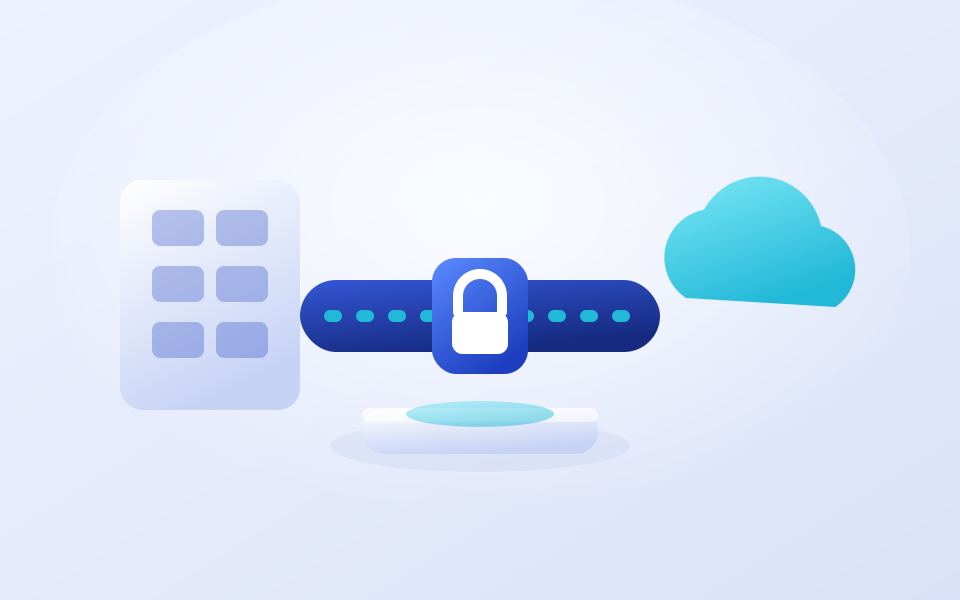
VPN Gateway
VPN Gateway makes corporate and multi cloud connectivity straightforward, linking your offices, on premise datacenters and other cloud providers to CloudTaktiks over encrypted tunnels.
Site to site connections join whole networks together, while point to site gives individual staff secure access to internal systems from wherever they are working.
Gateways are deployed in an active passive pair for high availability, and our team handles the configuration, including coordinating with the equipment at the far end.
Why businesses choose it
- Hybrid works properly: cloud and on premise systems behave as one network
- Remote access without exposure: staff reach internal systems without publishing them to the internet
- Someone else does the hard part: our engineers configure both ends, including the awkward one
- No single point of failure: a redundant pair rather than one gateway holding everything up
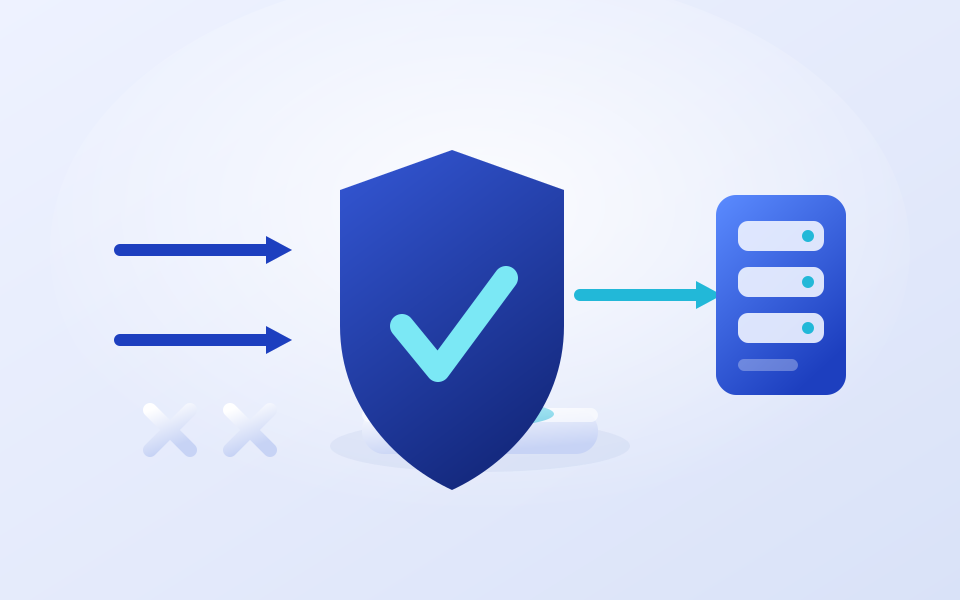
Web Application Firewall
Our Web Application Firewall protects your applications and APIs from common attacks before traffic ever reaches your servers, filtering out SQL injection, cross site scripting and the rest of the OWASP top ten.
Managed rule sets are maintained and updated for you, and you can layer your own rules on top for geographic restrictions, rate limiting or blocking specific request patterns.
Run it in detection mode first to see what would have been blocked without affecting live traffic, then switch to prevention once you are confident.
Why businesses choose it
- Protection without a code change: attacks are stopped at the edge, not in your application
- Cover while fixes are written: virtual patching buys time when a vulnerability is disclosed
- Rules kept current for you: new attack patterns are covered without an internal project
- Evidence for compliance: full request logging supports audit and investigation
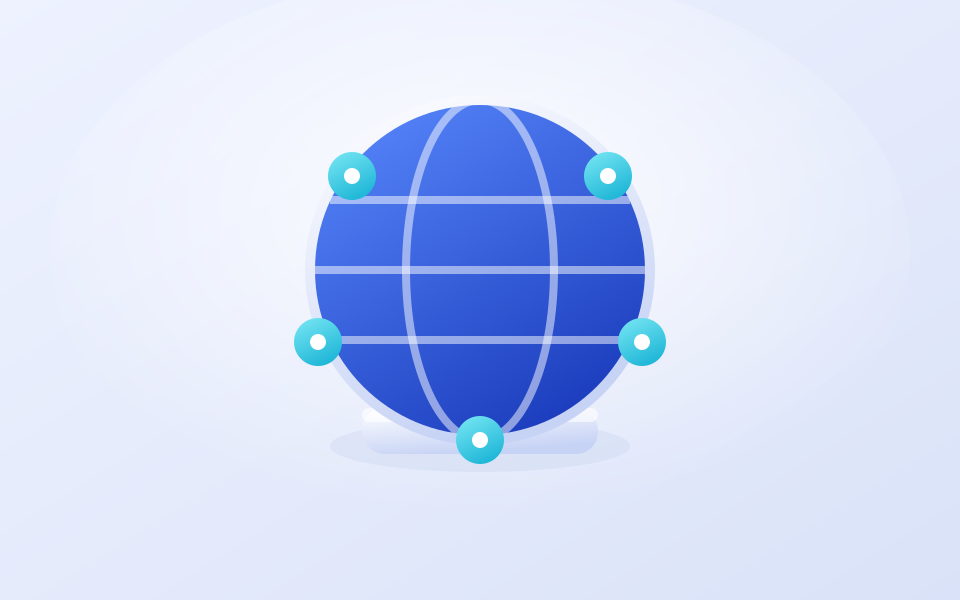
CDN
CDN delivers your content from edge locations close to your users, cutting page load times and taking repeated requests off your origin servers.
Static assets, images, video and downloads are cached at the edge and served from the nearest point of presence. Caching rules are yours to define, and cached content can be purged the moment you publish an update.
HTTPS with managed certificates, compression and support for your own domains are all included.
Why businesses choose it
- Faster pages, better conversion: load time affects both revenue and search ranking
- Distant users get a local experience: performance stops depending on where someone is sitting
- Origin load drops: cached traffic never reaches your servers, so you need fewer of them
- Absorbs sudden traffic: a campaign or a news mention hits the edge, not your origin

Where we deliver
Available across every market we serve, deployed into the cloud region your data has to stay in. Each region below sets out the regulations it answers to.
Compliance is shared between provider and customer. We provide the infrastructure controls, evidence and documentation on our side of that line: residency, encryption, access control, backup, monitoring and incident response. Your obligations as data controller remain yours. This page is general information, not legal advice; confirm your specific obligations with your own counsel.
Additional services
Move to the cloud, the right way.
Let's talk about your SAP environment, your security and your growth plan. Migration with minimal disruption is what we do.
Common questions
What is the difference between backup and disaster recovery?
A backup is a copy of your data. Disaster recovery is the ability to be running again within an agreed time. Backups are one input to that; the runbook, the standby environment and the tested failover are the rest of it.
How do you decide which DR pattern we need?
From two numbers you set: how much data you can afford to lose, and how long you can afford to be down. Backup and restore, warm standby and full high availability answer different versions of those numbers at different costs.
Can you provide disaster recovery between two different cloud providers?
Yes. Cloud to cloud DR across Azure, AWS and Huawei Cloud is something we design and run, and it is the usual answer when provider independence or a specific data residency requirement is the driver.
Can we keep some systems on premises?
Yes. Hybrid is a legitimate architecture, not a transitional state. We run on premises to cloud DR, cloud to on premises DR, and high availability in either location, connected over site to site VPN or private routing.
Do you test failover, or just document it?
We test it on a schedule and document the result, including the time it actually took. A DR plan that has never been exercised is an assumption.